Portfolio
Destination Planner
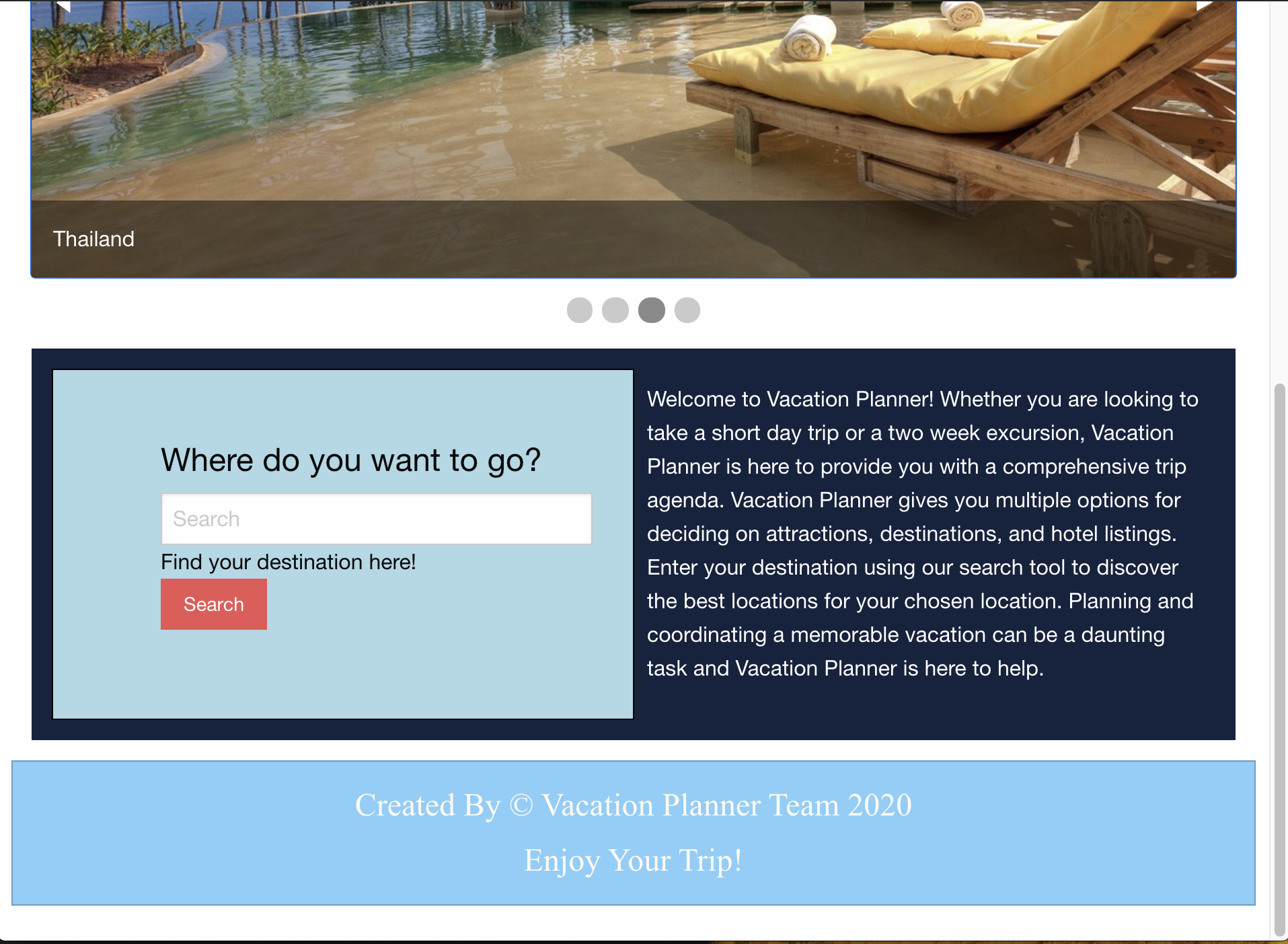
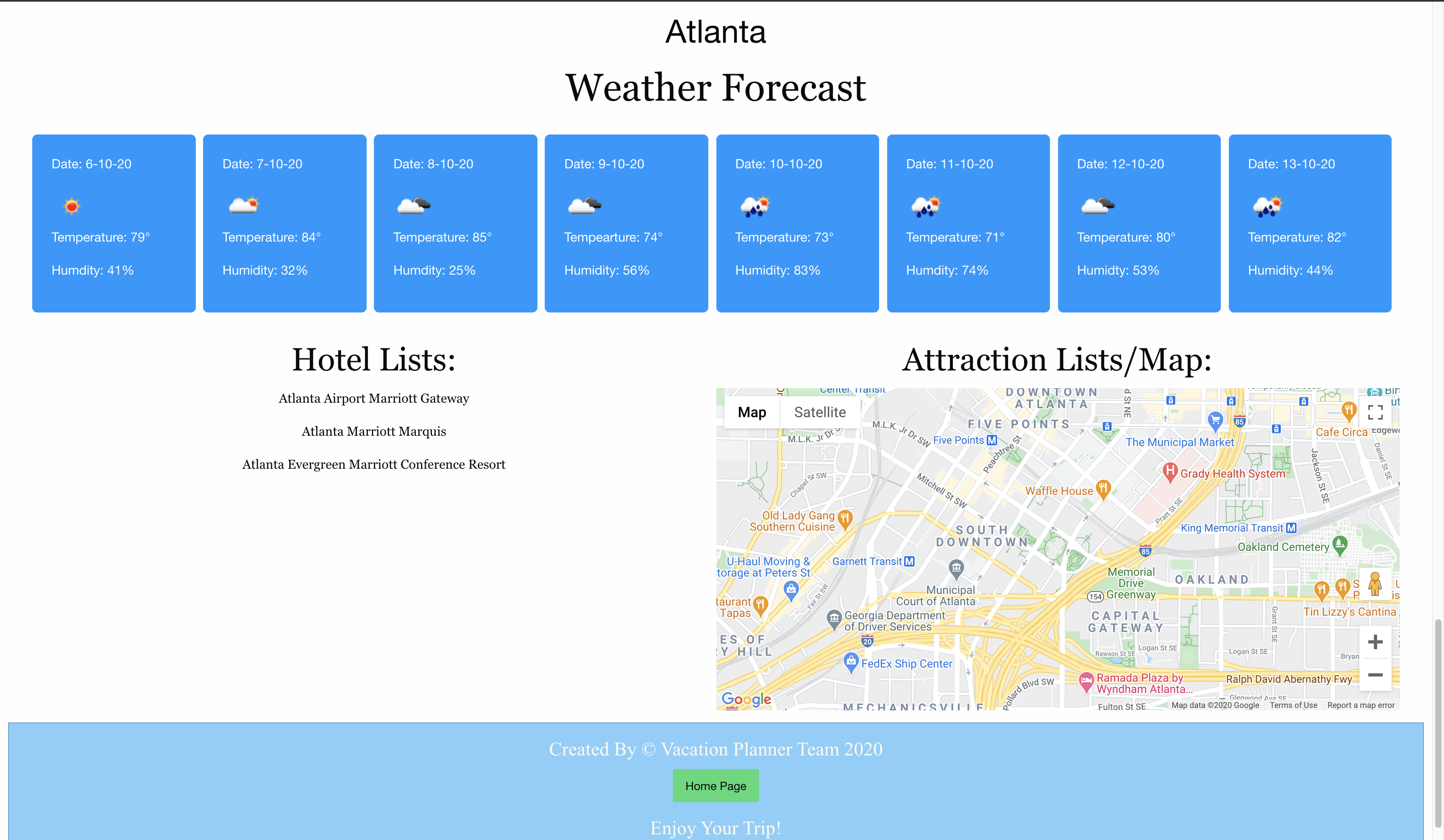
This is a destination planner app. The sole purpose of this app is to give the user a quick description about the searched city. It is a group project done by me and 4 other developers. HTML and CSS were used to structure and style the website along with javaScript to add some logic and dynamically create some html elements. We used 3 API's for this project. The google API to give the user the map and picture of the searched city, the open weather api to give the user a quick information about the current weather of the searched city as well as the next 7 days. The trip advisor API is used to give the user the names of 3 hotels in the searched city.
The Traveler's Memoir
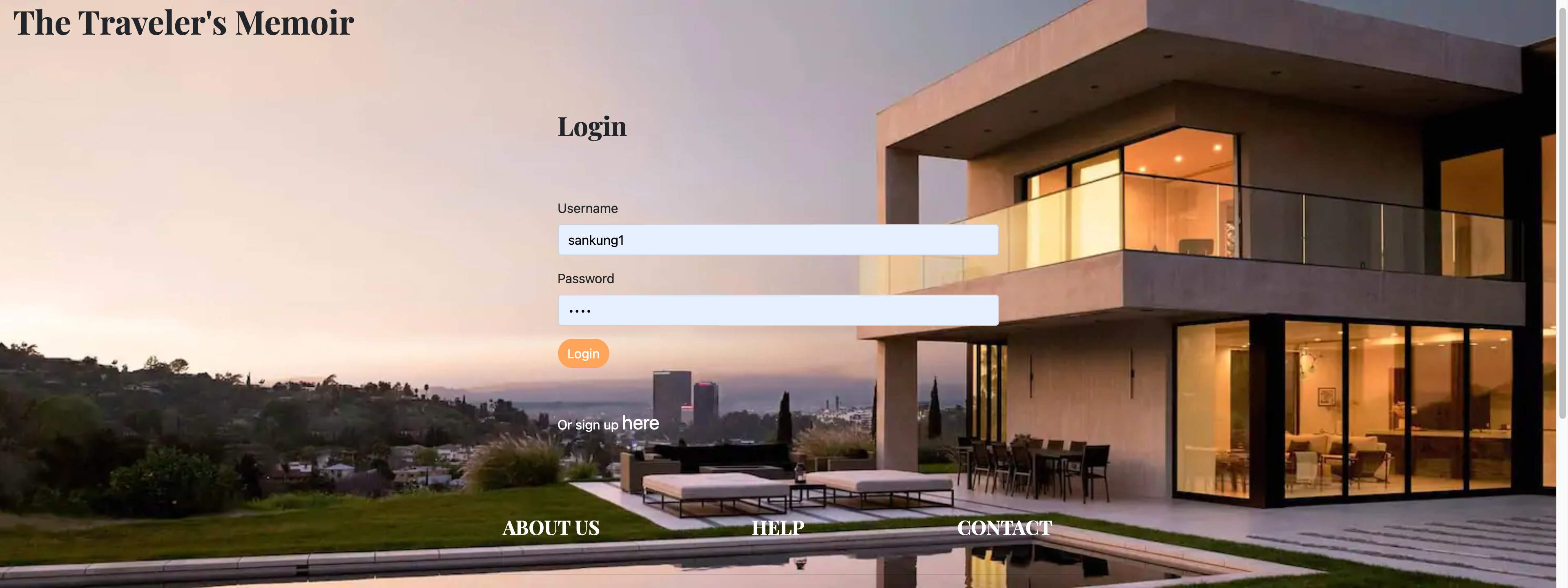
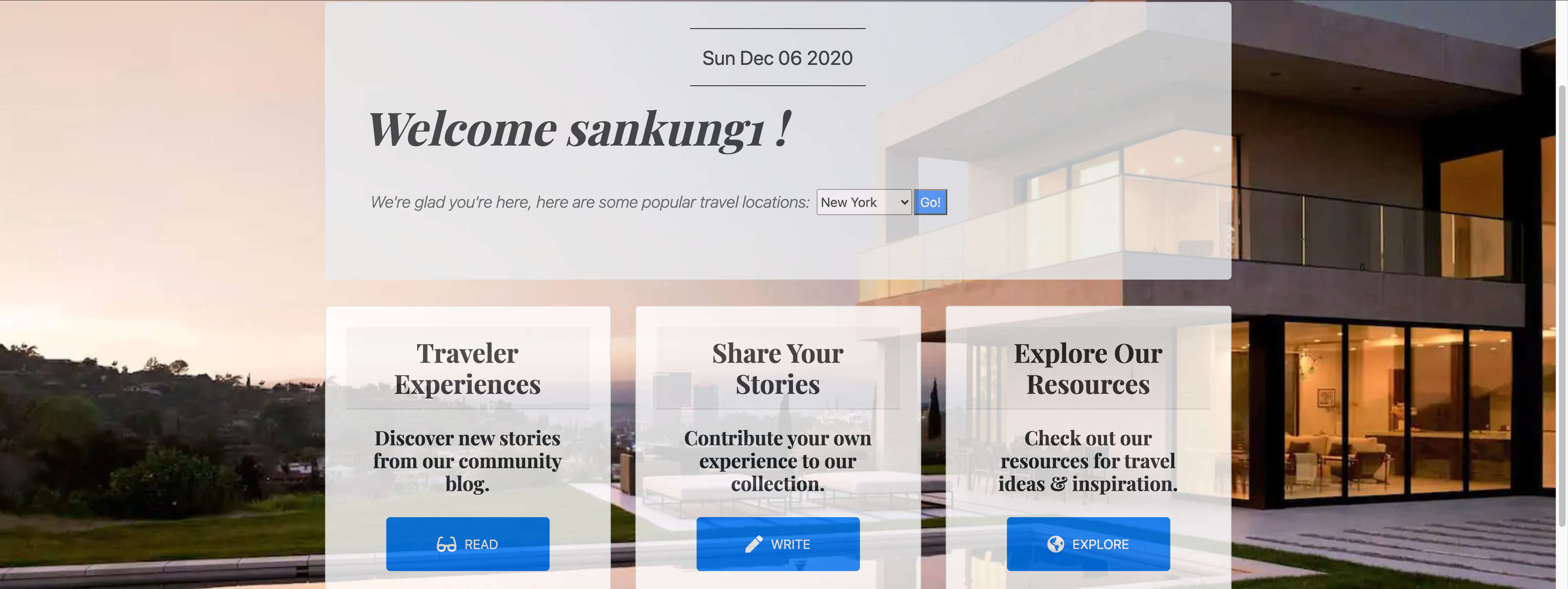
This application is for travel enthusiasts. The user can sign up and login to our app then the user will be directed our member's page. The member's page will welcome the user, and in that page the user will have a lot of things to do from creating a blog to share the'r travel experiences to reading about other members latest travel journey. The members page also have an explore page for the user to explore other features we have in our app. These features give the user travel tips we obtained from external APIs. This app was done by me and 3 other developers. We used passport js for our user authentication. We used Nodejs and express to write our server side code and MySQL for our database server. We used MVC as our design pattern.
Weather-Dashboard
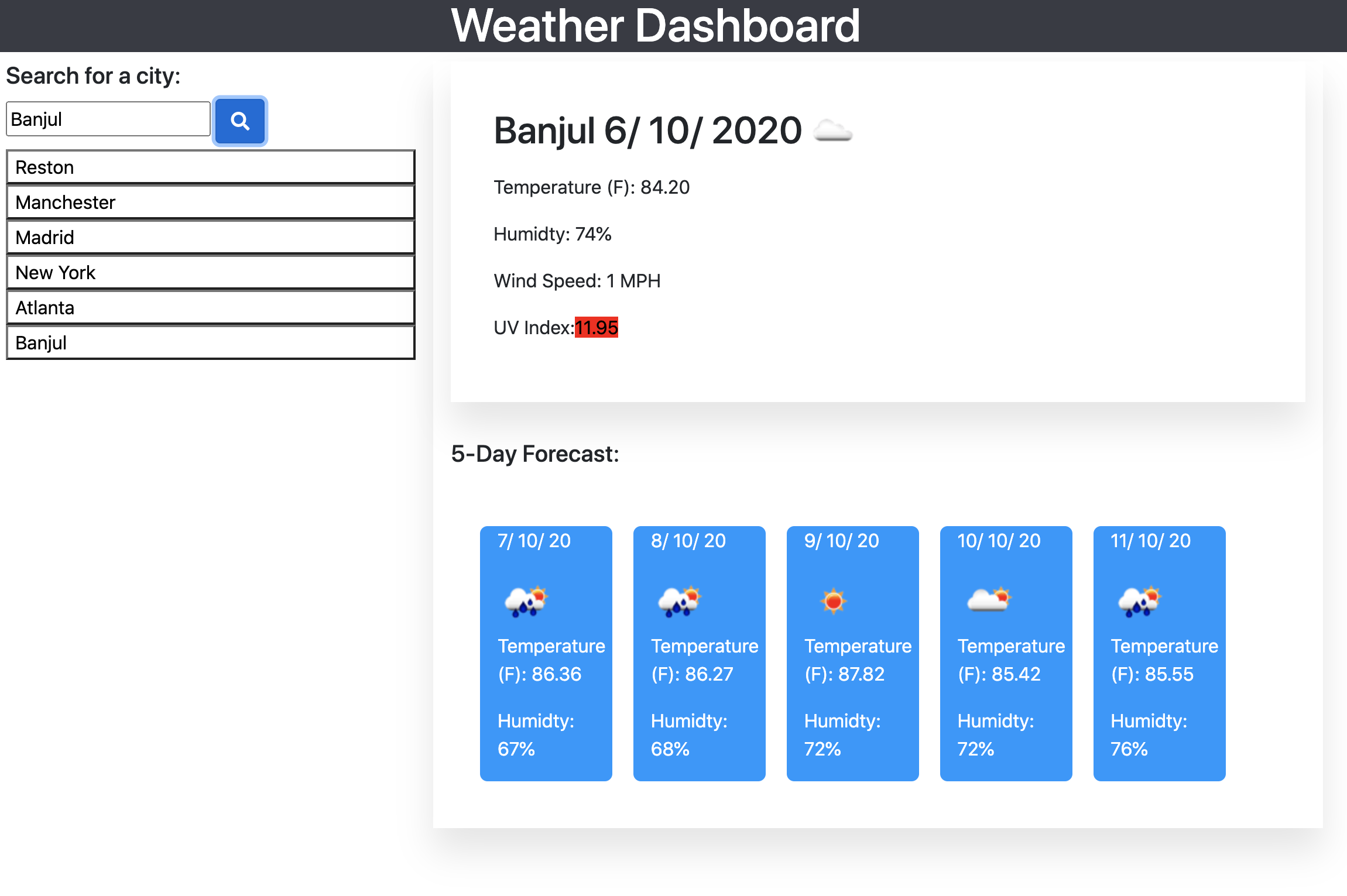
This a weather Dasboard application. It has a search input where the user can enter the name of a city and the application will return the weather information for the current day and the next 5 days. A searched history will also be generated whenever the user searches for a new city. The user can also click on one of the search histories to display the weather information without having to seach for the name again. I used javaScript to dynamically create the html elements and also the css properties. The openweather API is used to give the user the weather information they are looking for. The color of the UV index changes depending on it's severity. JavaScript is used to add this logic to the application.
Work Day Scheduler
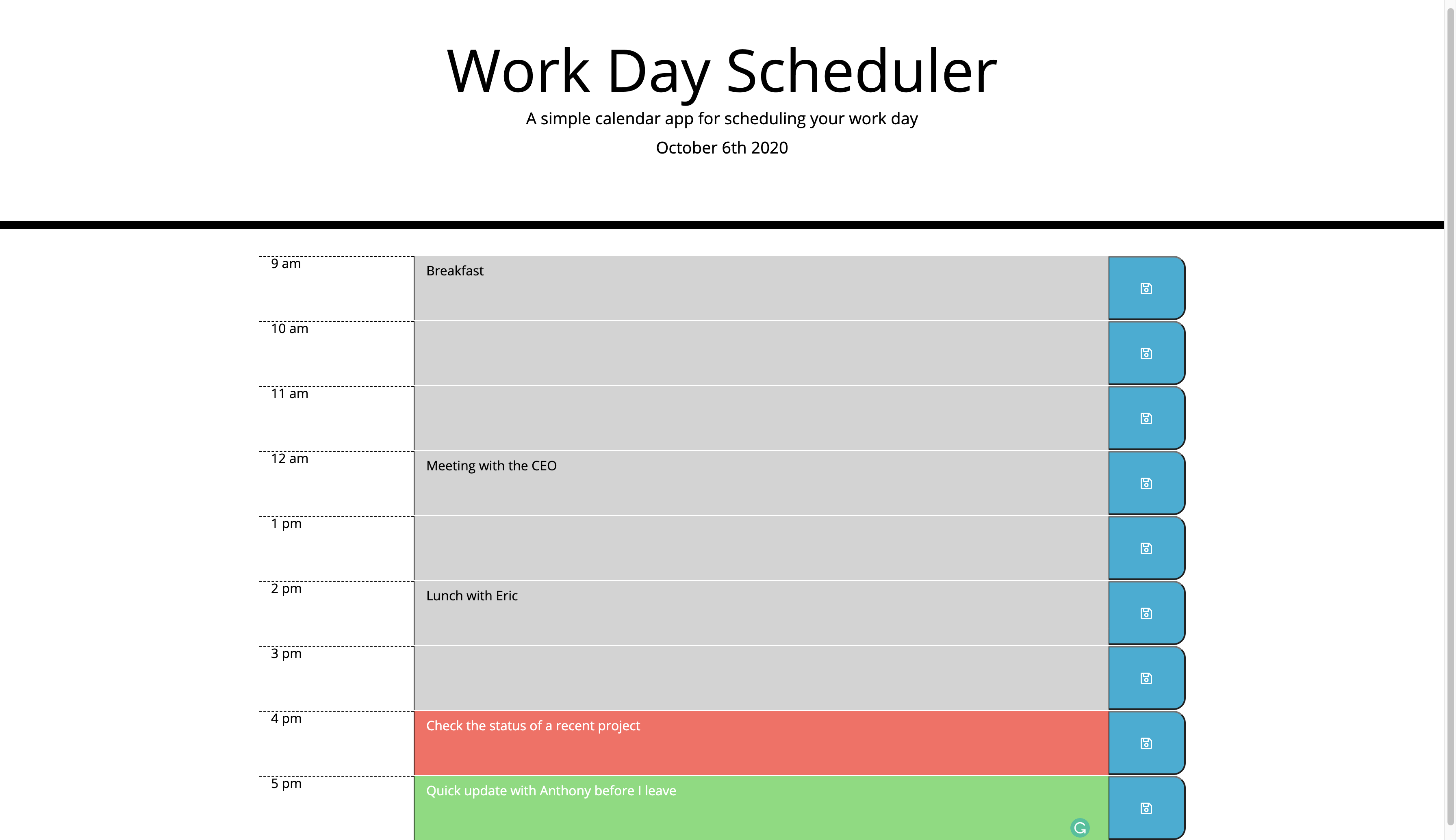
This is a work day scheduler app. It allows the user to add things to do at scheduled work hours from 9-5pm. The user can write things they want to do in the text area and click the save button to save the new event in the app. Using the browwers local storage, the user can still see the added event even after they click on the browers refresh button. I use JavaScript to create the html elements and add the css properties to the app. The app is timed from 9-5. Each time is color coded dynamically using JavaScript and also moment.js. If the hour of the day has already passed the text area will by colored grey. If the hour in the app is the current real time hour, the text area is colored red to tell the user the event is due or running. If the hour in the app is a future hour then the text color will be green. All this is done with the javaScrip and moment.js.